
Guidelines for withdrawing funds to your local bank account
To withdraw money to your local NGN account:
- Go to Cash Out.
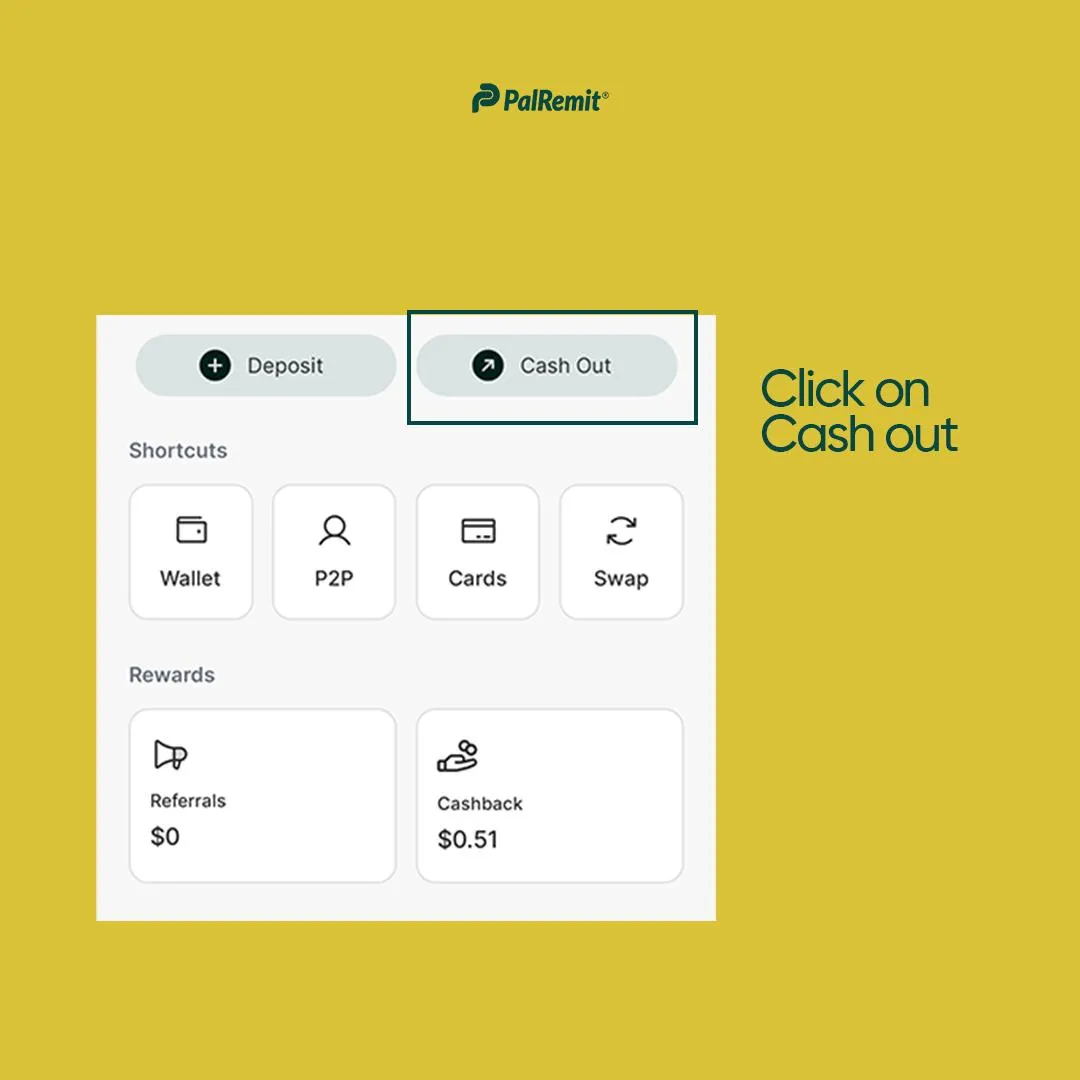
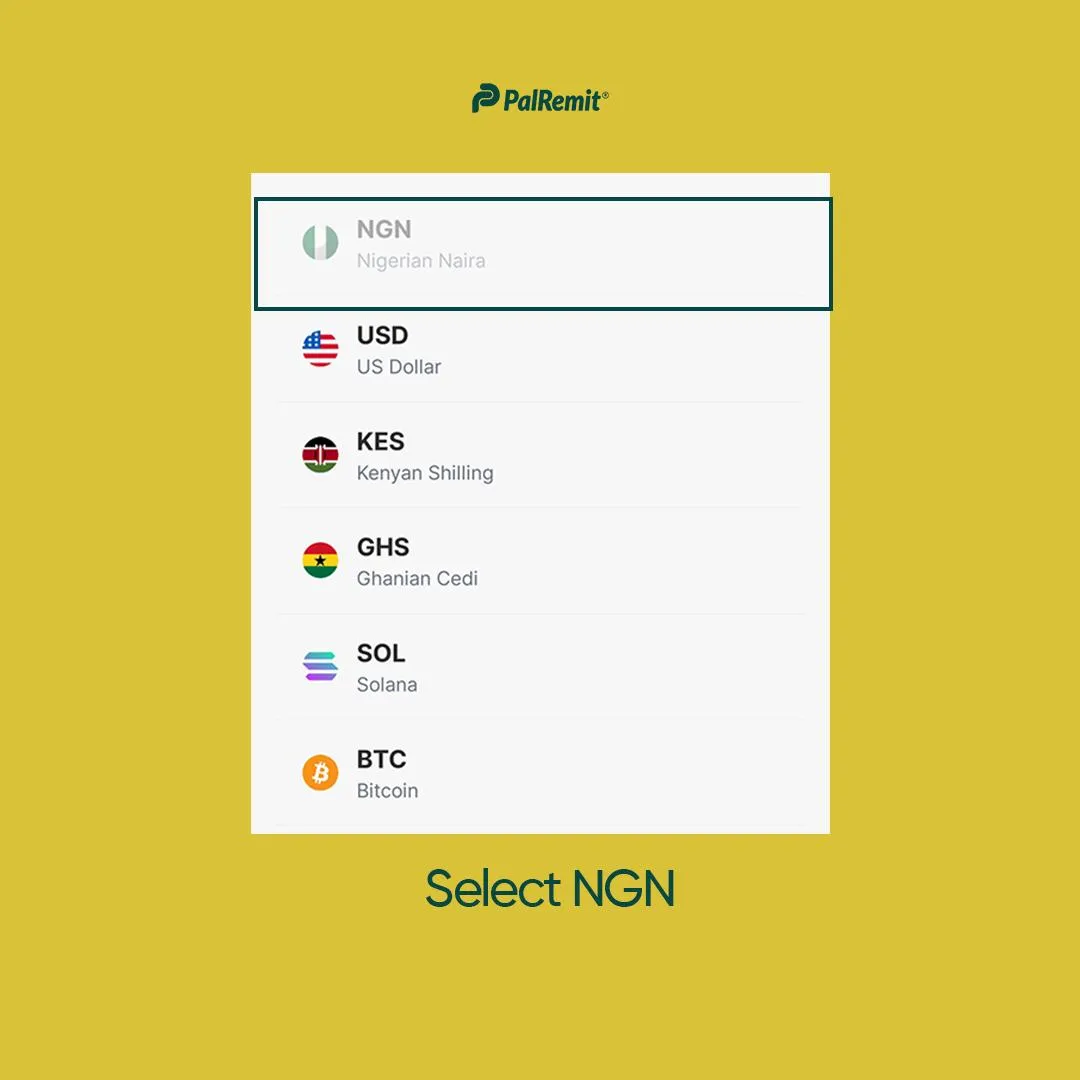
- Select your currency as Nigerian Naira (NGN)
- Select Bank Account
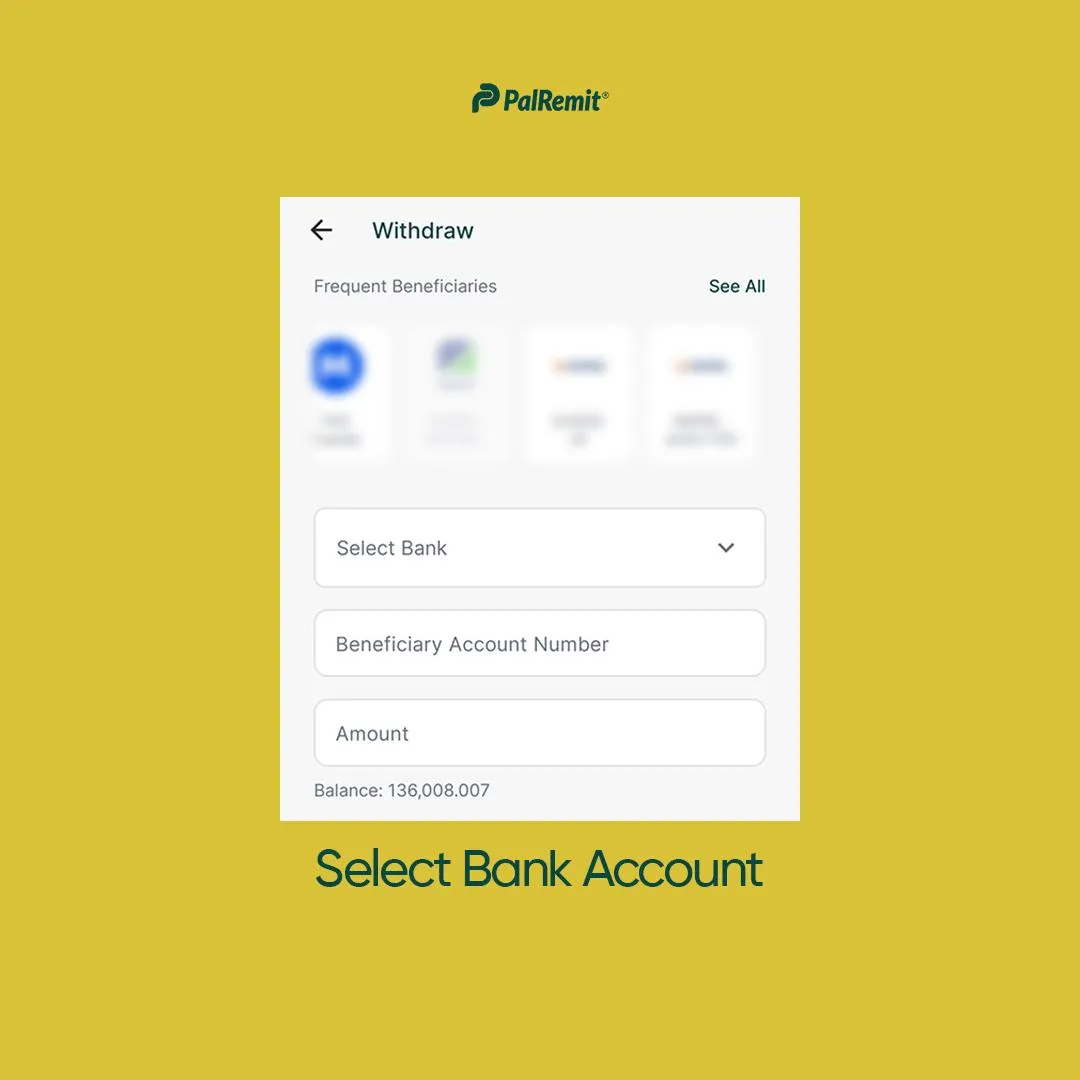
- Enter the bank account details of the local account
- Enter the amount to send and any notes about the transfer you want to leave
- Confirm the details
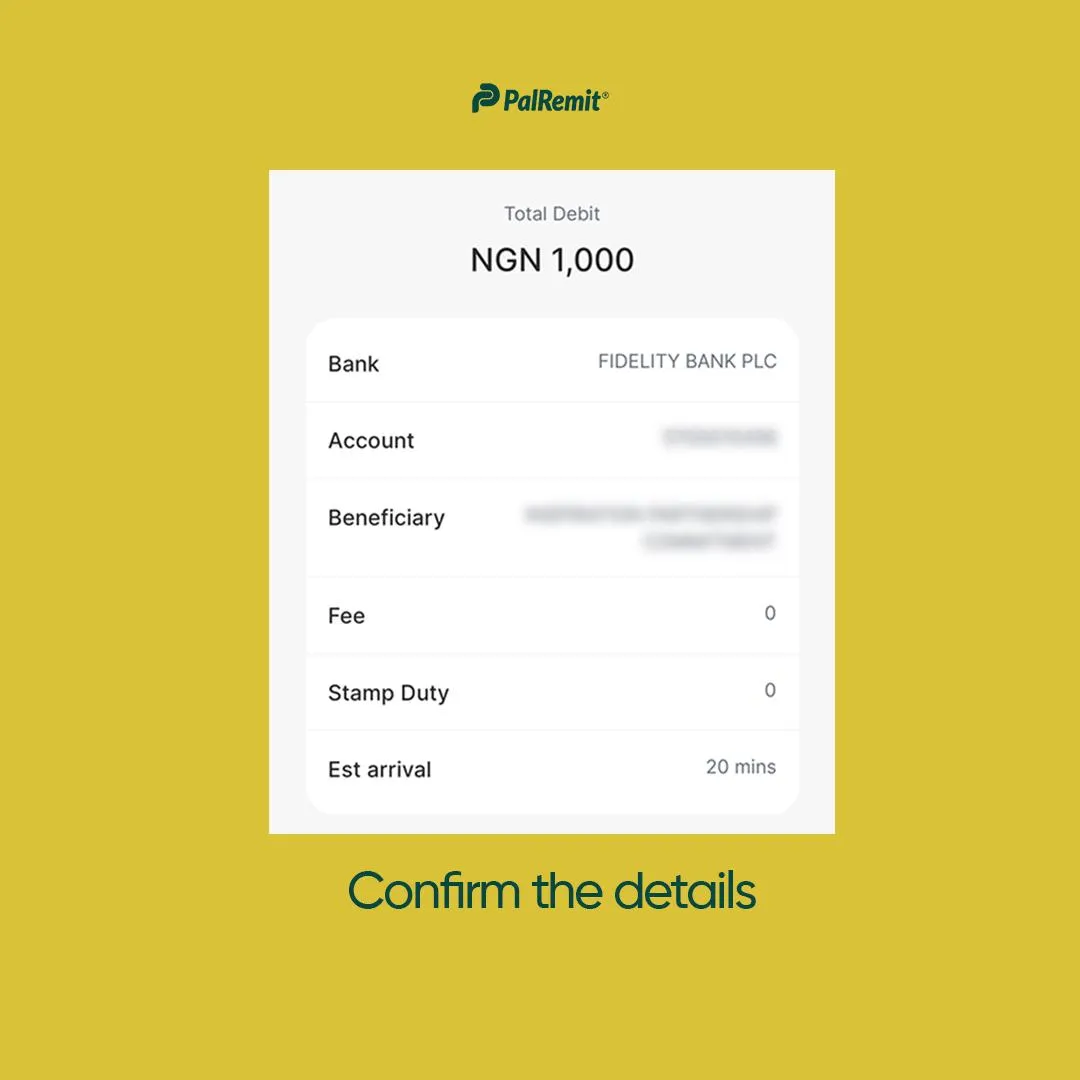
Optional: You can select if you want this recipient to be a beneficiary.
- Then select Continue
- Review the transaction
- Once you’re done confirming the receiver, select Pay
- You will be prompted to enter your 4-digit transaction pin.
- Enter your transaction pin and complete the withdrawal process.
Your money will hit your bank account in a few seconds.
Please note that we’re working on making local transfers available for more currencies on Palremit.