
How to open a USD account and deposit USD on your Palremit wallet
How to deposit US Dollars on Palremit
Section titled “How to deposit US Dollars on Palremit”Depositing US Dollars (USD) on Palremit is now fast, simple, and seamless. Users can easily fund their USD account directly from anywhere using their dedicated USD deposit details provided within the Palremit app.
Whether you are receiving payments internationally, funding your wallet, or preparing for cross-border transactions, Palremit makes USD deposits convenient and secure.
How to Deposit USD on Palremit
Section titled “How to Deposit USD on Palremit”Follow these simple steps to deposit US Dollars into your Palremit account:
- Log in to your Palremit account.
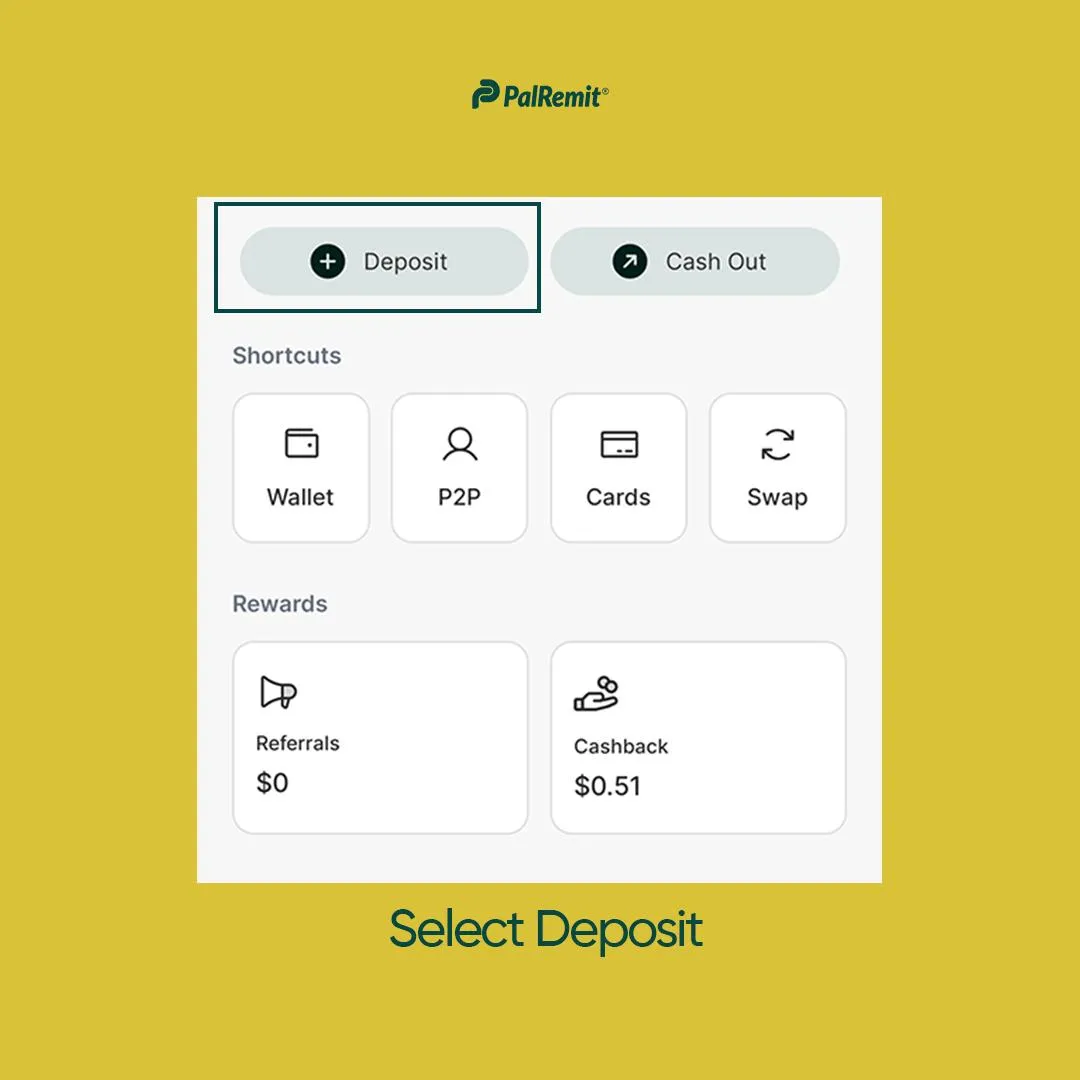
Select Deposit from the homepage
- Click on USD.
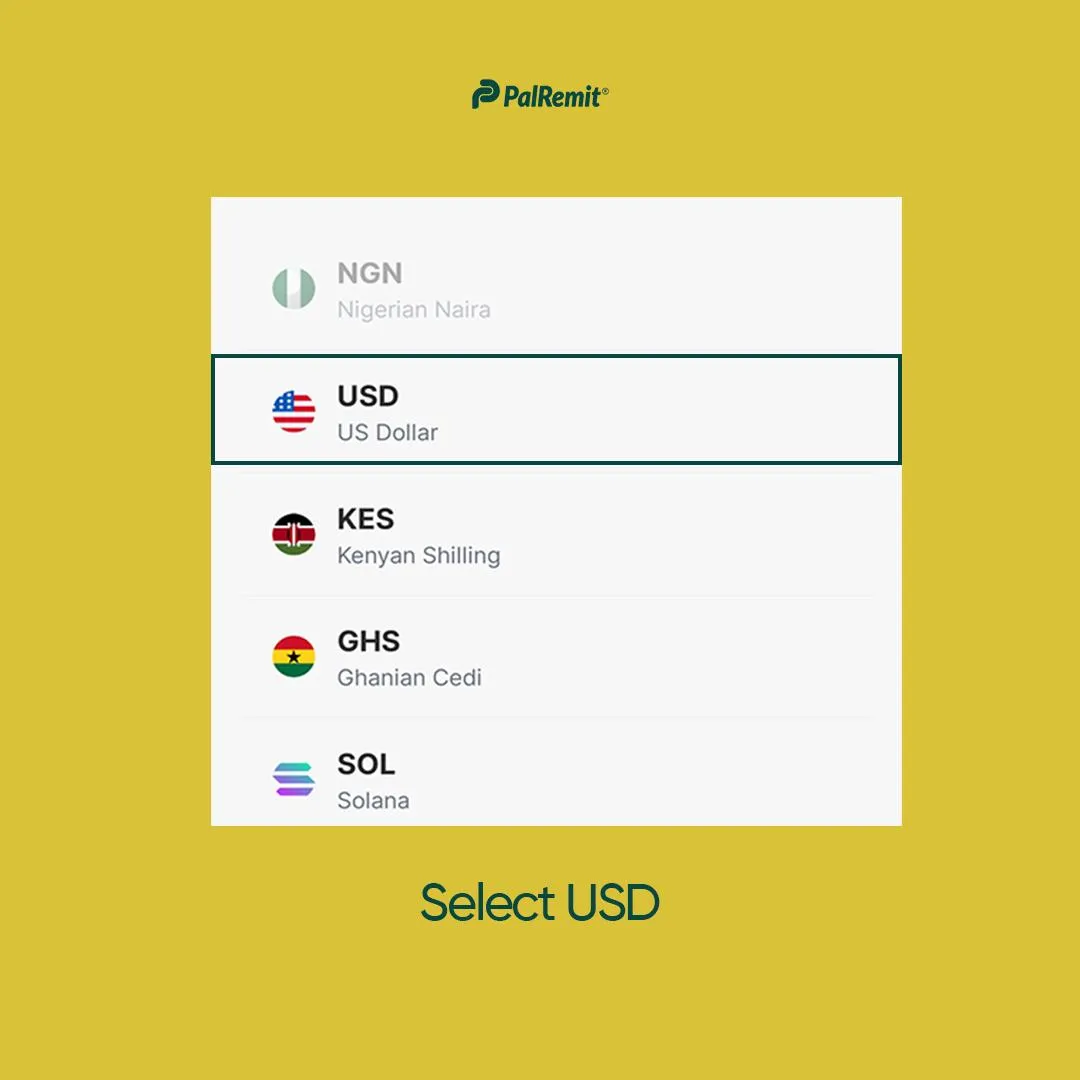
- Copy your USD account number and other necessary deposit details carefully.
- Use the provided details to send USD from anywhere.
Once the transfer is completed, your funds will reflect in your Palremit wallet after processing.
Why Use Palremit for USD Deposits?
Section titled “Why Use Palremit for USD Deposits?”With Palremit, users can enjoy:
- Easy USD funding
- Secure international deposits
- Fast and reliable transactions
- Convenient access to USD payment details
- Seamless cross-border financial transactions
Spend and Manage Your USD Easily
Section titled “Spend and Manage Your USD Easily”Beyond deposits, Palremit also allows users to manage and utilize their USD conveniently across the platform. From international transfers to spending through Palremit cards, your USD balance remains accessible whenever you need it.
Download the Palremit App today and enjoy seamless USD deposits from anywhere in the world.