
How to view your card transaction history
Here’s how you can access and review your card transaction history:
- Log in to your Palremit app
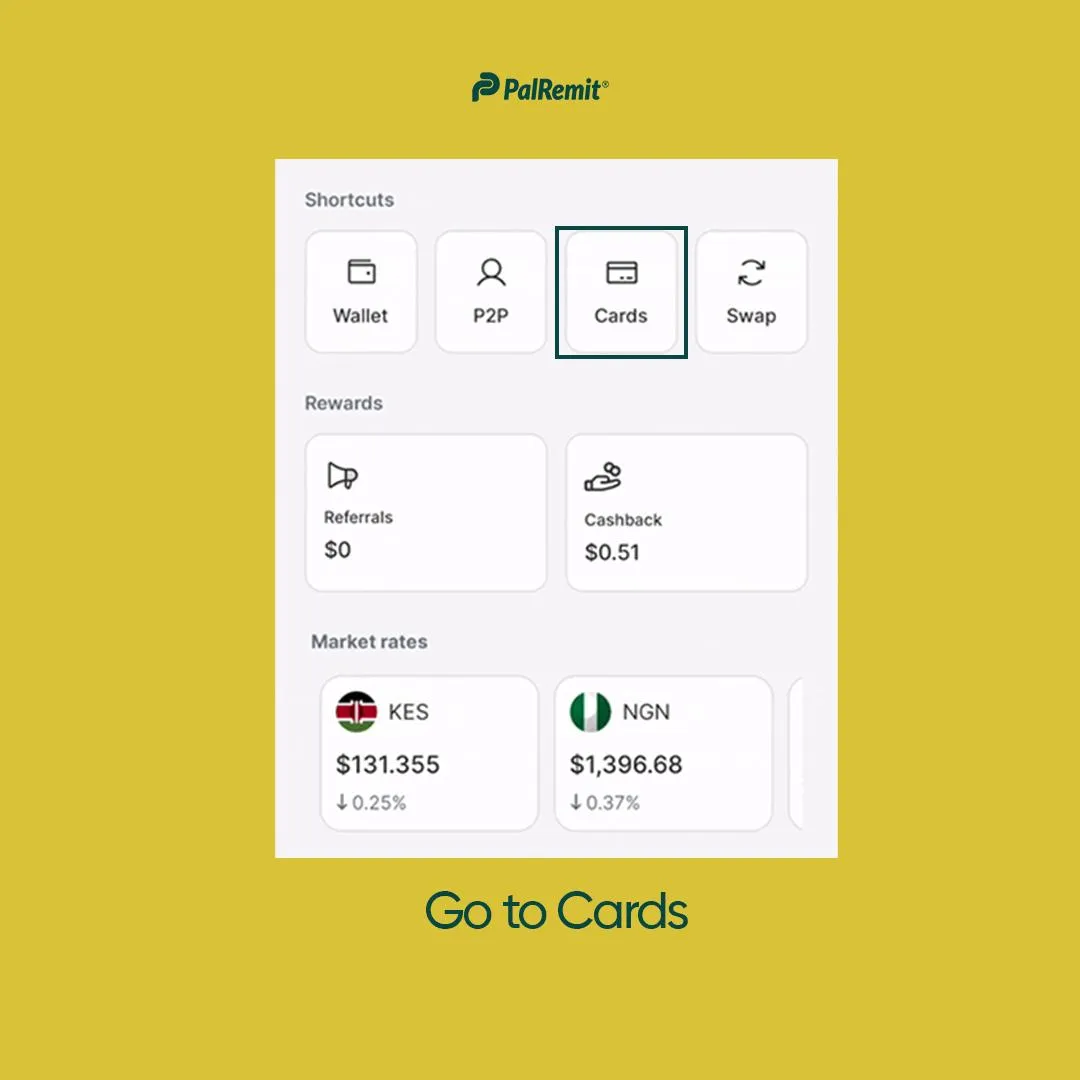
Navigate to the Cards
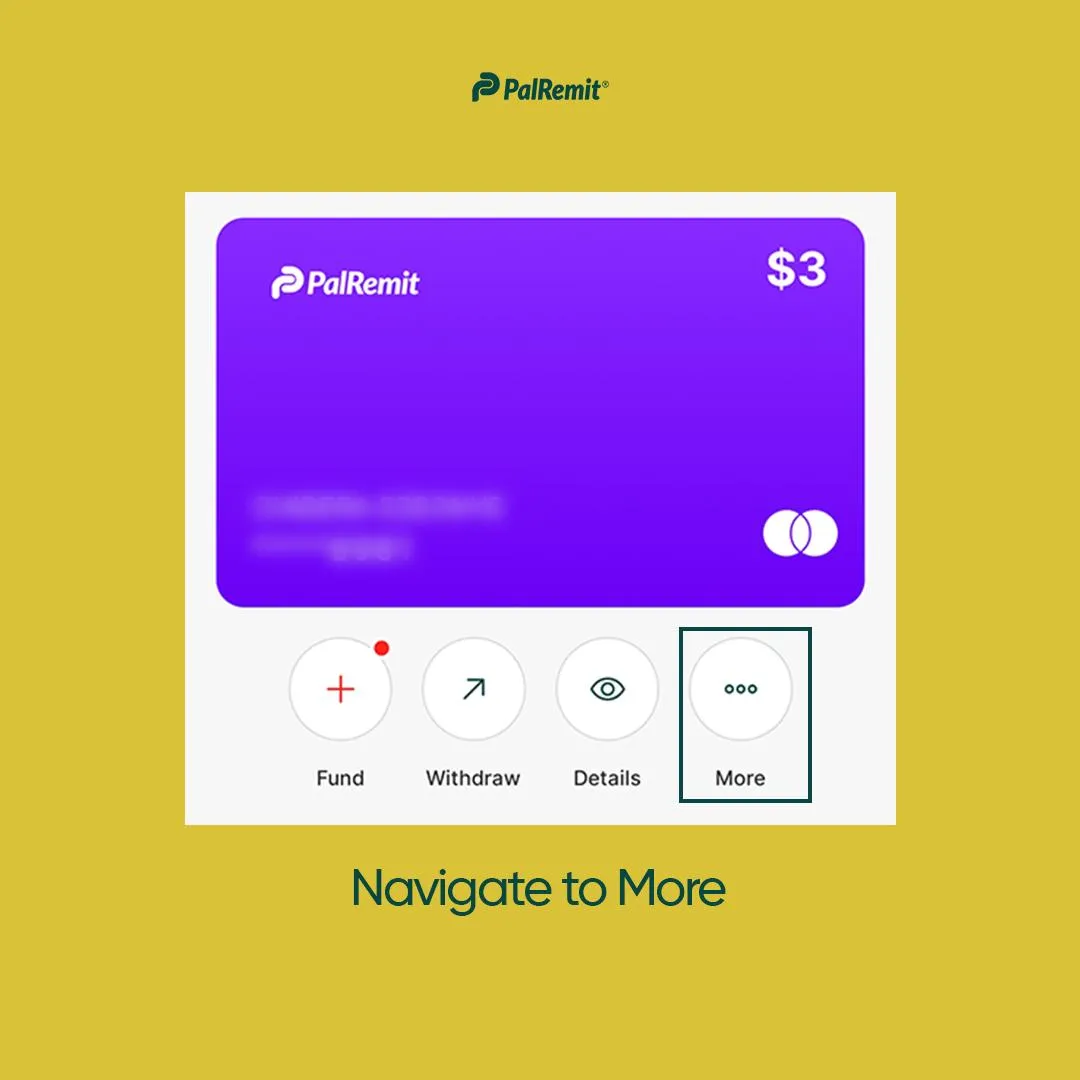
- Go to More
This option is usually prominently displayed on the card details page.
- Select Activities
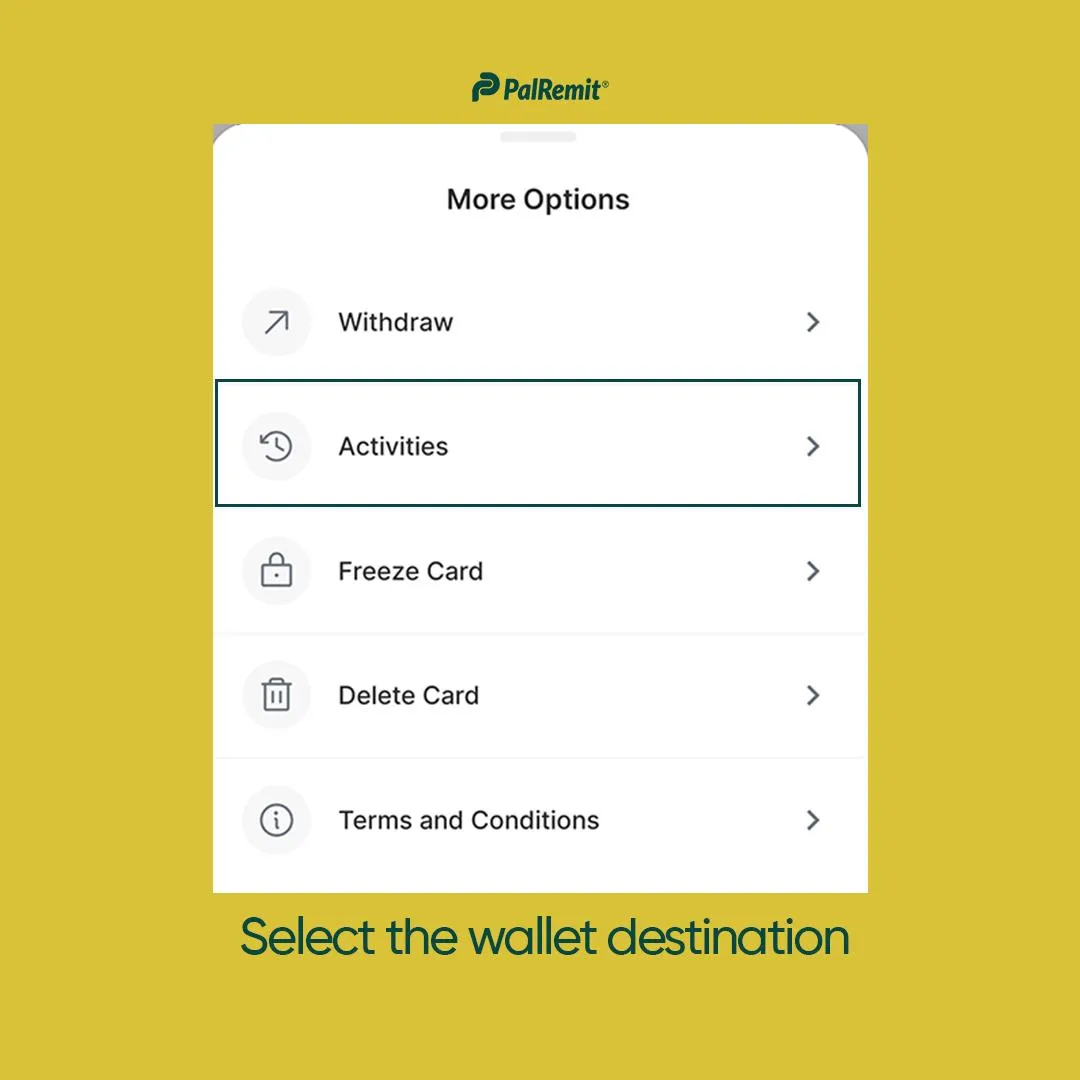
- Review your transactions
You should see a list of all transactions made with your virtual card, including:
- Date of transaction
- Merchant name
- Transaction amount
- Transaction status (completed, pending, declined)
- Card funding and withdrawal history
- Maintenance and any other changes or fees made to your card
Remember:
- Regularly reviewing your transaction history helps you spot any unauthorized charges quickly.
- If you notice any suspicious activity, report it to our customer support team immediately.
- Keep your login information secure to protect access to your transaction history.