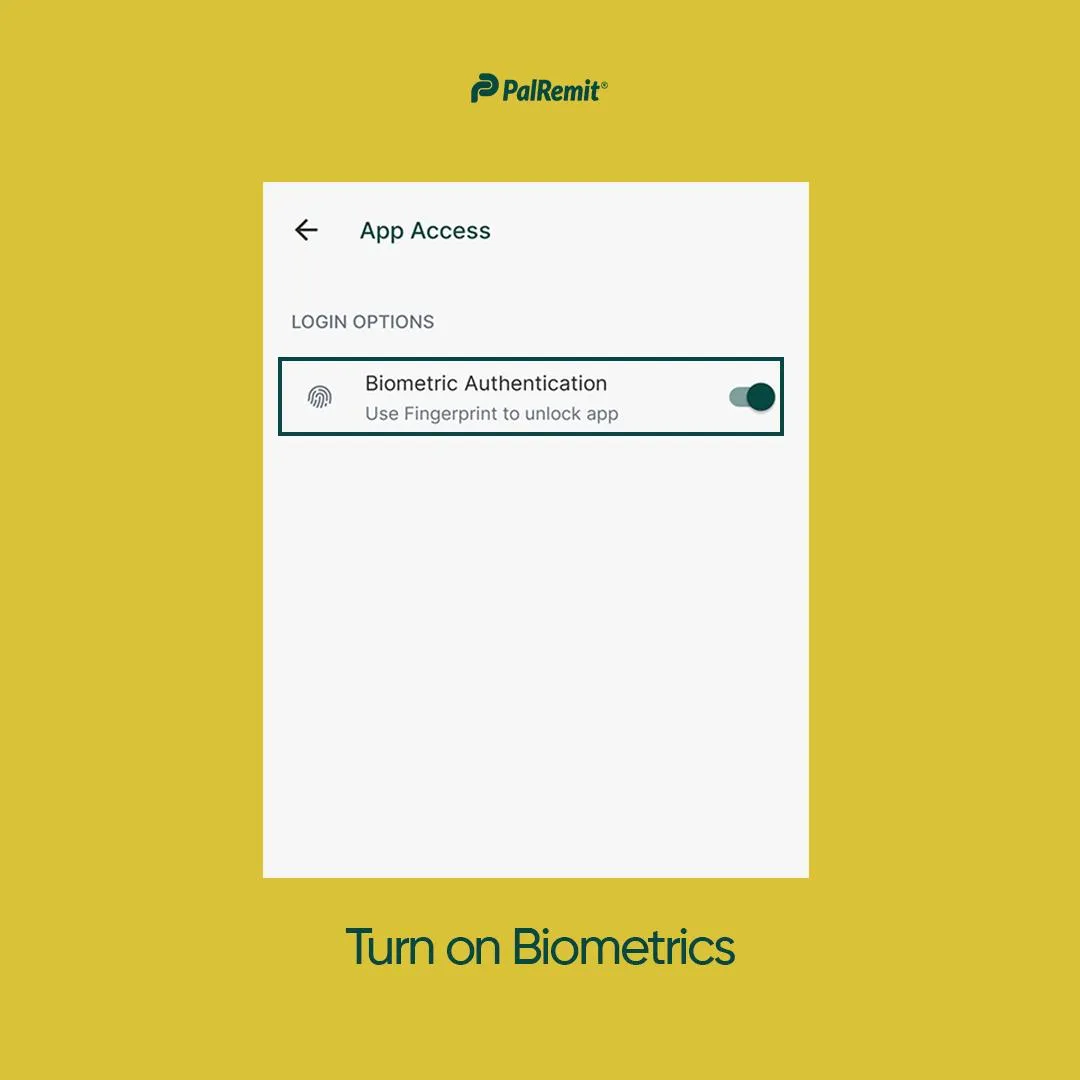
Using biometric login for your account safety
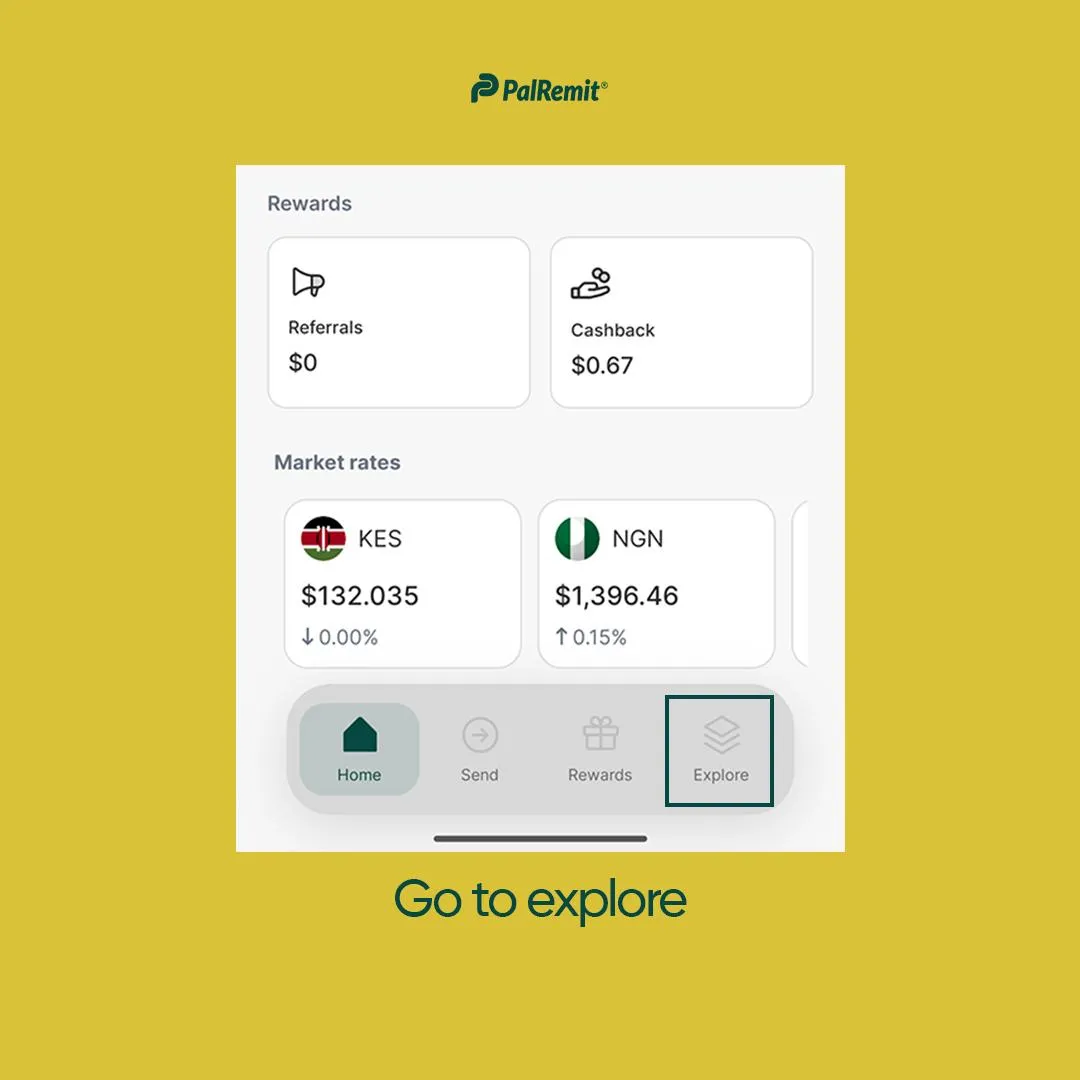
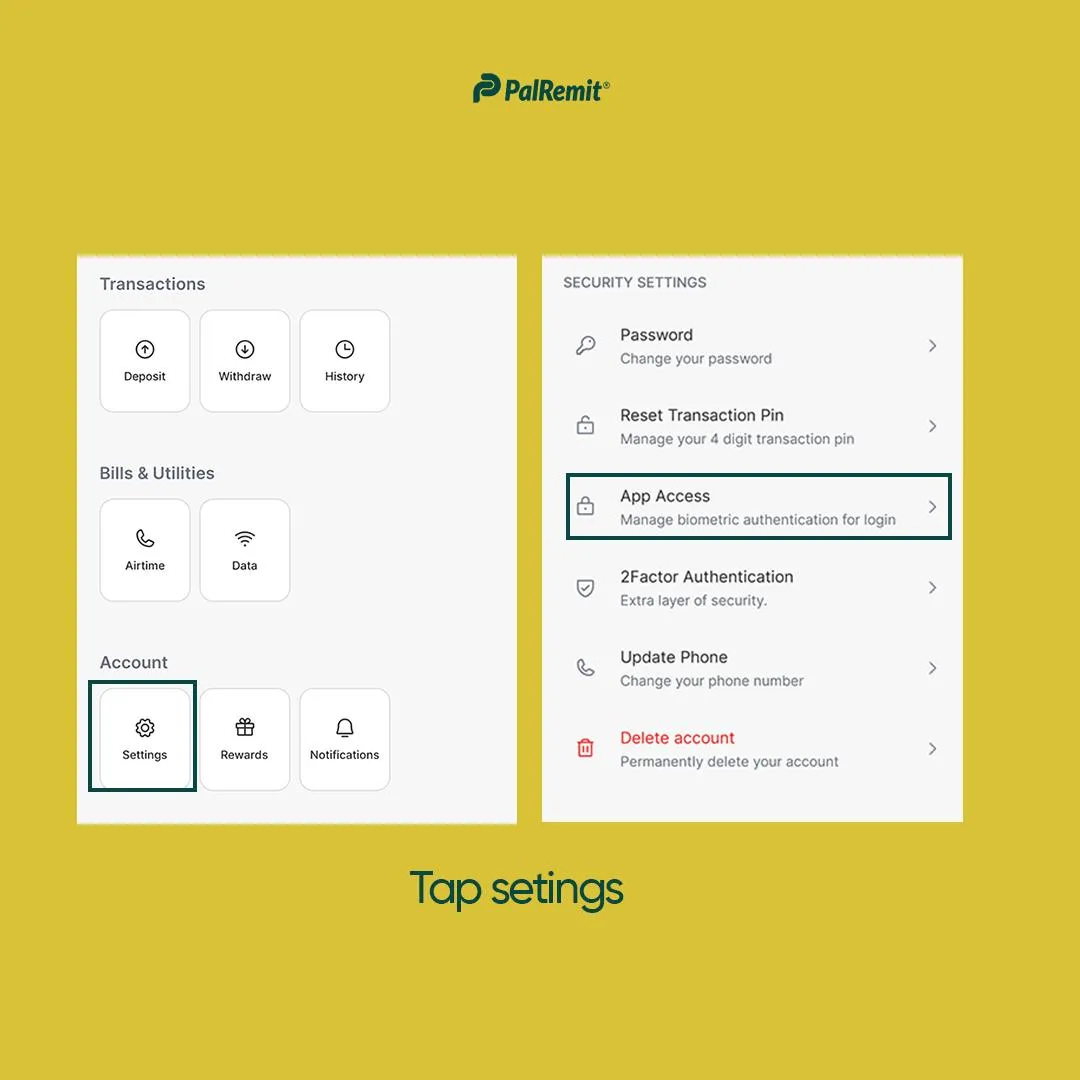
- On your app dashboard, go to Explore > Settings > Security
- Then toggle on Turn on Biometrics
Once this is done, the next time you login, you’ll be required to use your fingerprint to log in.
This helps to protect your account from unauthorized access.